Start with what students need to practice
Enter a focused topic, or add lesson material for closer alignment. Use a source only when it helps.
Create an editable student worksheet and separate answer key from a topic, lesson notes, or a readable PDF. Choose the grade and length, then review the printable draft.
Student copy and answer key are generated together, ready for review.
Move from a practice goal to a classroom-ready draft without laying out every page by hand.
Enter a focused topic, or add lesson material for closer alignment. Use a source only when it helps.
Grade and length guide the sections, question formats, and answer space without extra setup.
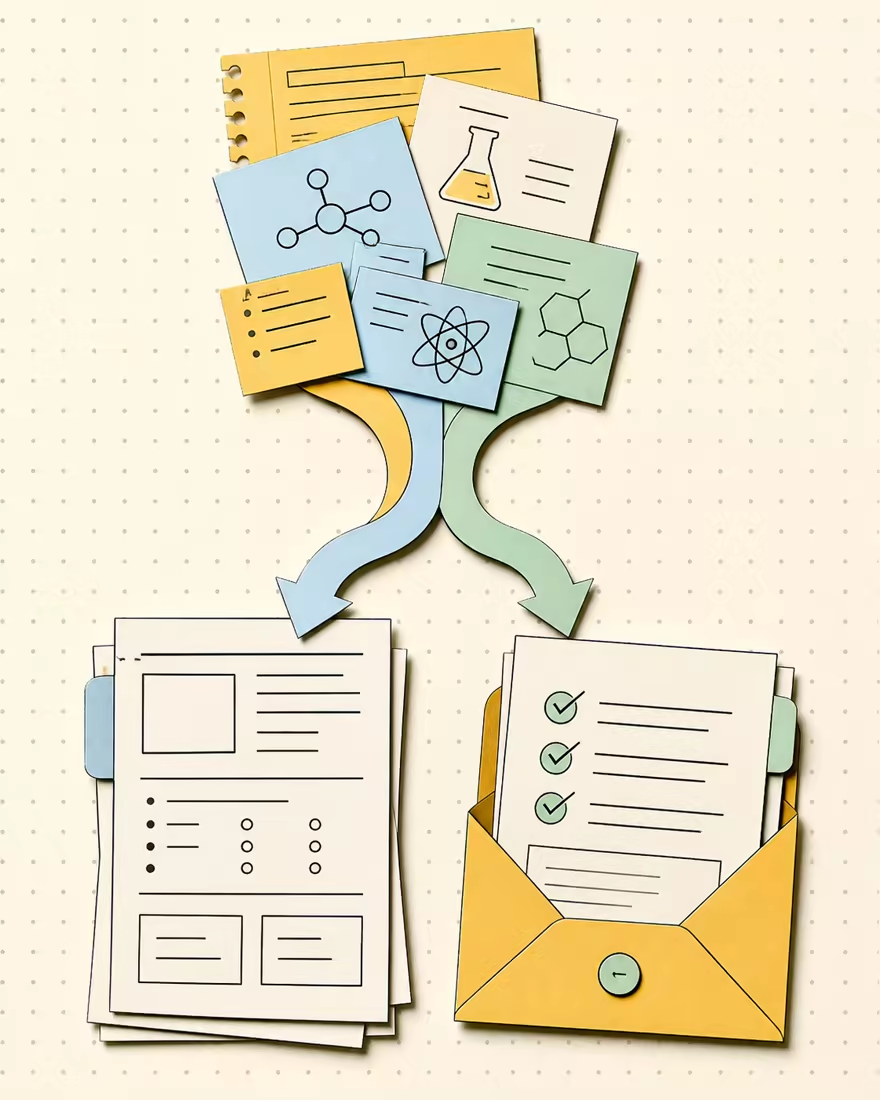
The answer key stays in a separate teacher view for review and printing. Student pages remain answer-free.
Edit or delete questions, then copy, print, or save the draft locally. No provider call is required.
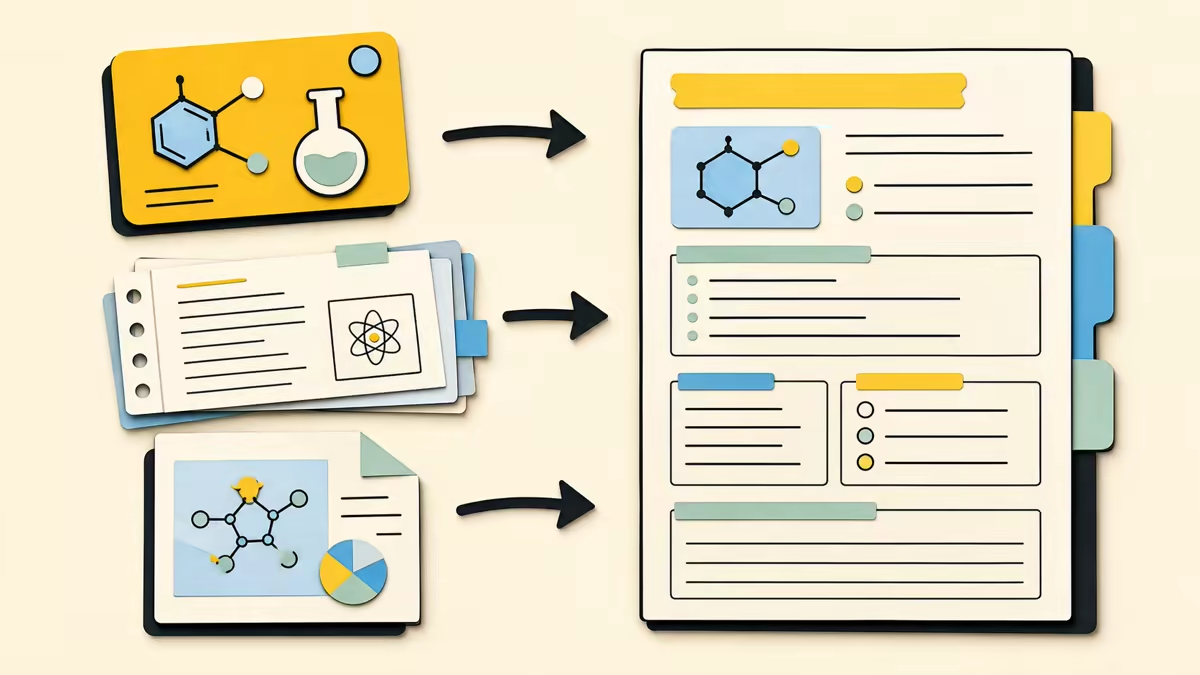
Start with a topic, paste lesson material, or upload a PDF with selectable text. Text is extracted in the browser; image-only scans need OCR elsewhere first.
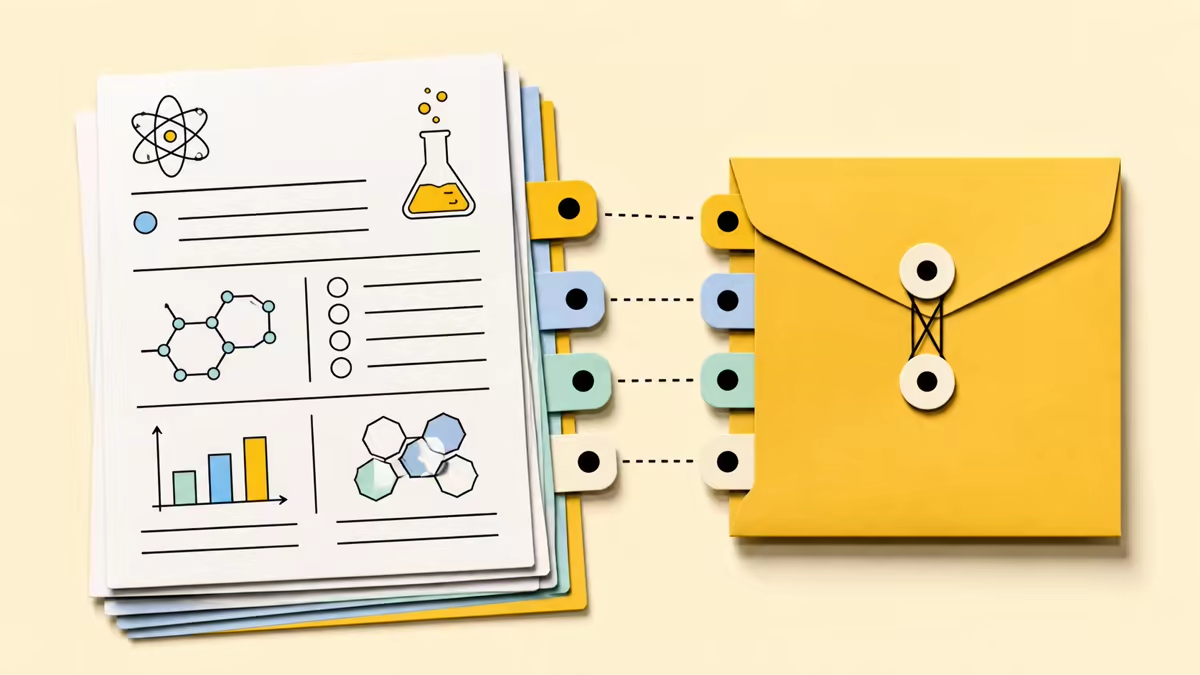
Each result includes printable student sections and an item-linked answer key in a separate view, so questions and answers stay aligned.
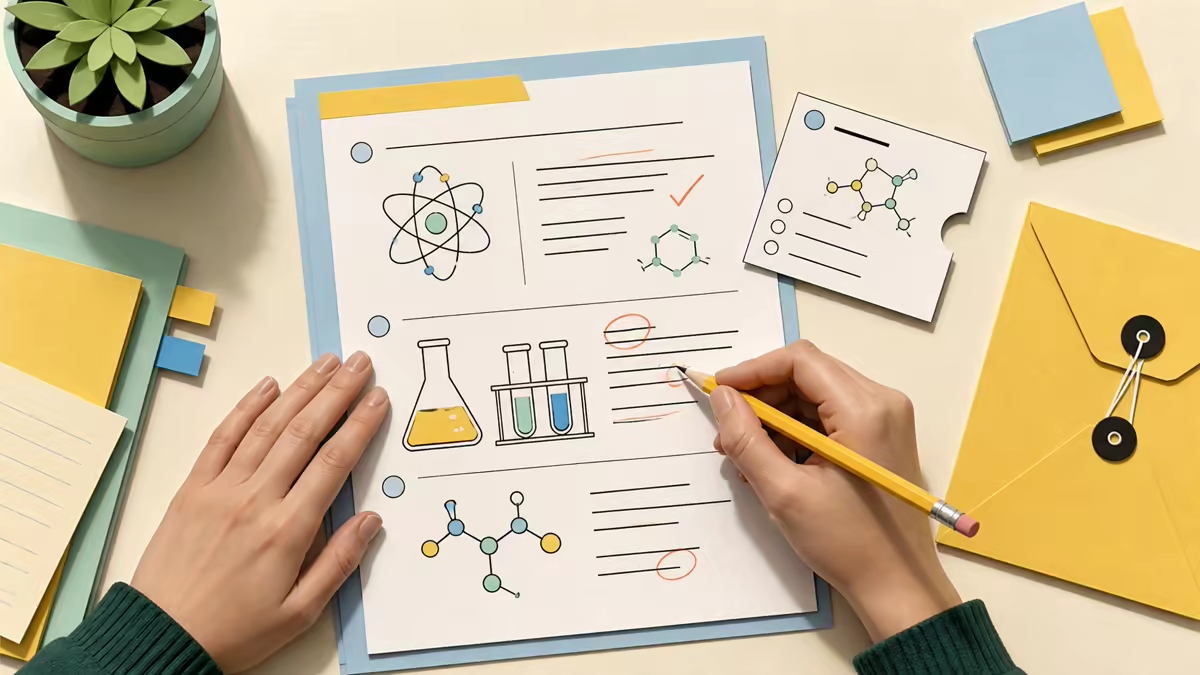
Revise prompts, choices, answers, explanations, directions, and section titles. Deleting a question also removes its answer-key entry, keeping both copies aligned.
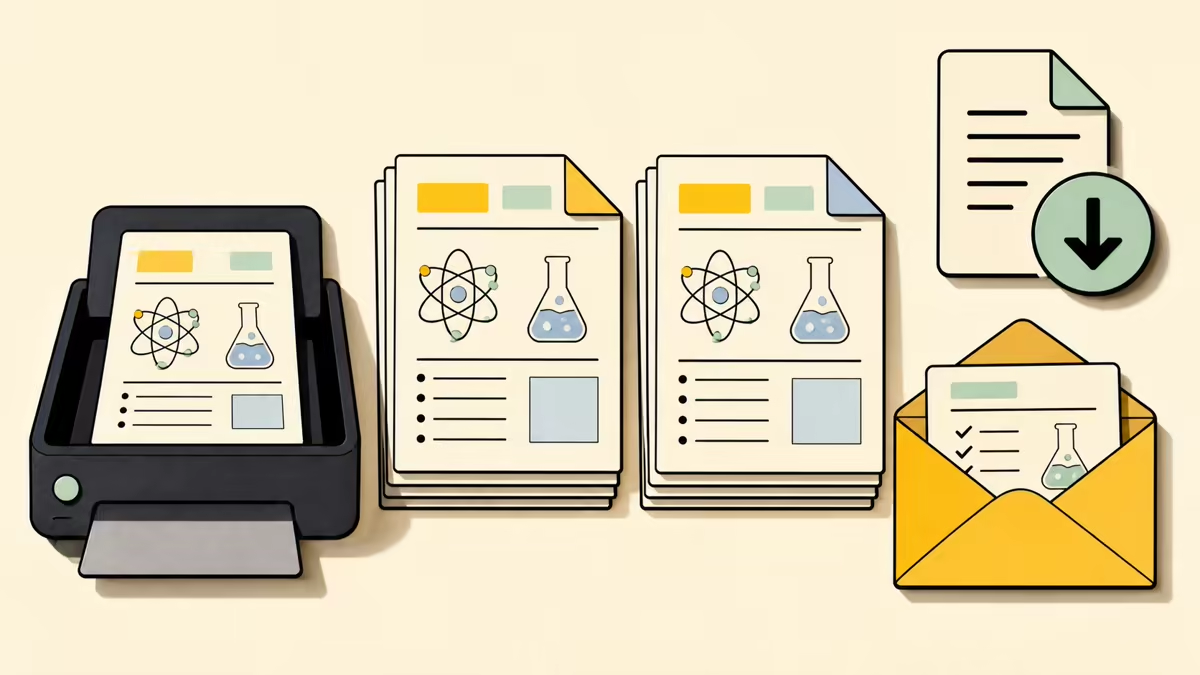
Preview either copy, choose US Letter or A4, then print or save as PDF. Local export does not spend credits; regeneration uses the selected 2, 4, or 6-credit worksheet length price.
Create a worksheet
Enter the skill, choose the grade and length, then review the draft. Edit or remove items before printing student and teacher copies. The current draft remains editable.
Enter the topic. Add notes or a readable PDF when questions should follow specific course material. Keep the source focused.
Select Kindergarten through Adult and choose Quick, Standard, or Extended. Use Customize only for subject, difficulty, language, standards, or other guidance.
Check both copies, make edits, then print in Letter or A4 format or save as PDF. Print student and answer views separately.
It creates a structured student worksheet and separate teacher answer key from a topic or lesson material. Results may include varied question types, answer space, worked steps, and explanations. Review the complete draft and every answer before classroom use.
Yes. Paste notes, a passage, or another reading under Lesson material. The topic sets the practice goal while the source grounds the questions. Focused source text usually produces a clearer draft.
Yes, when the PDF has selectable text. Files can be up to 10 MB, 50 pages, and 40,000 extracted characters. Image-only scans need OCR elsewhere first because this workflow does not include OCR.
Yes. It is generated with the worksheet and stays in a separate teacher-facing tab, so the student copy does not expose answers or explanations when you print or save it.
Yes. Revise prompts, options, answers, explanations, directions, and section titles in the current draft. Deleting a question also removes its answer-key entry, without using another credit or provider call.
Yes. Choose Student copy or Answer key, select US Letter or A4, and use the browser print dialog to print or save as PDF. Local export does not create a new generation request or spend credits.
Quick worksheets cost 2 credits, Standard worksheets cost 4 credits, and Extended worksheets cost 6 credits. Regeneration uses the currently selected worksheet length price. Local editing, copying, printing, and PDF export do not use credits. The two-credit guest allowance can create one Quick worksheet.
Practice worksheets do not include points by default. Request scoring in Special instructions when needed, then review every question, answer, and point value before assigning the work.
Choose Kindergarten through Grade 12, College, or Adult. Output options include English, Spanish, French, German, Portuguese, Italian, Japanese, and Korean. Always check that the draft suits your learners.

Start with a practice goal, choose the grade and length, then review both copies before printing or sharing them with learners. Use the editable draft to keep preparation simple and focused.
Try the AI Worksheet Generator