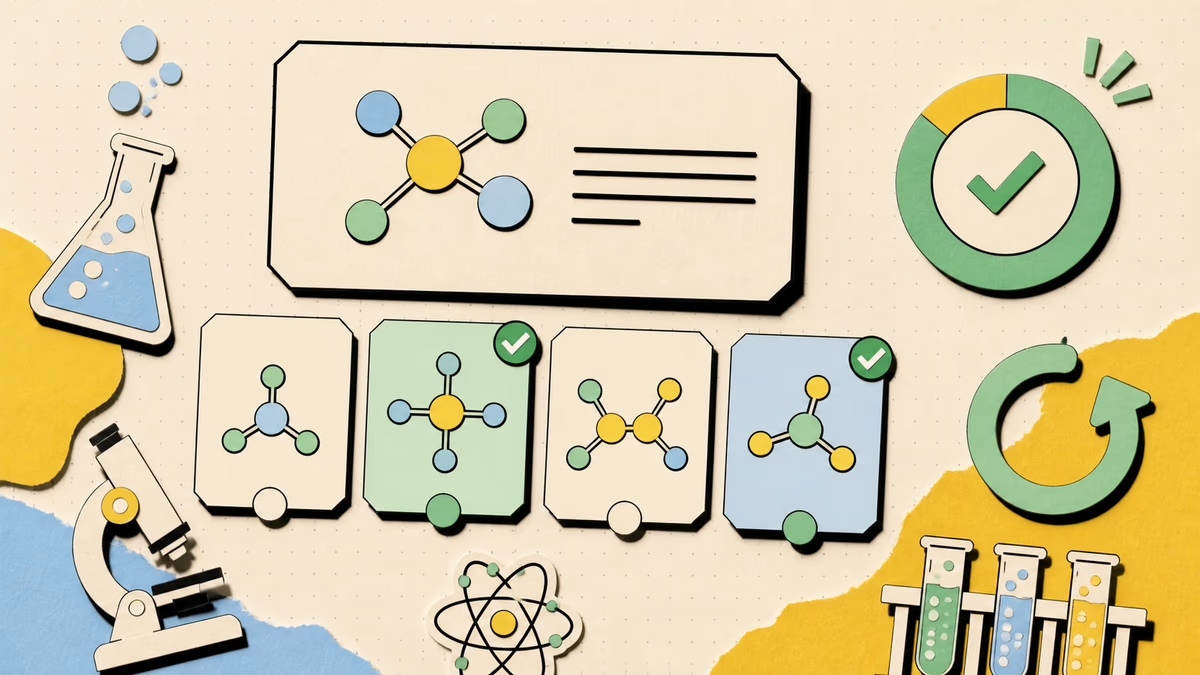
Ground questions in your material
Use a topic, pasted notes, or selectable PDF text to keep the question bank focused.
Turn source material into a structured question bank with the controls teachers and students need.
Add your topic, source, or lesson details, choose the settings, then generate a result you can use, copy, or download.
Use a topic, pasted notes, or selectable PDF text to keep the question bank focused.
Set the count, difficulty, and question formats before generation.
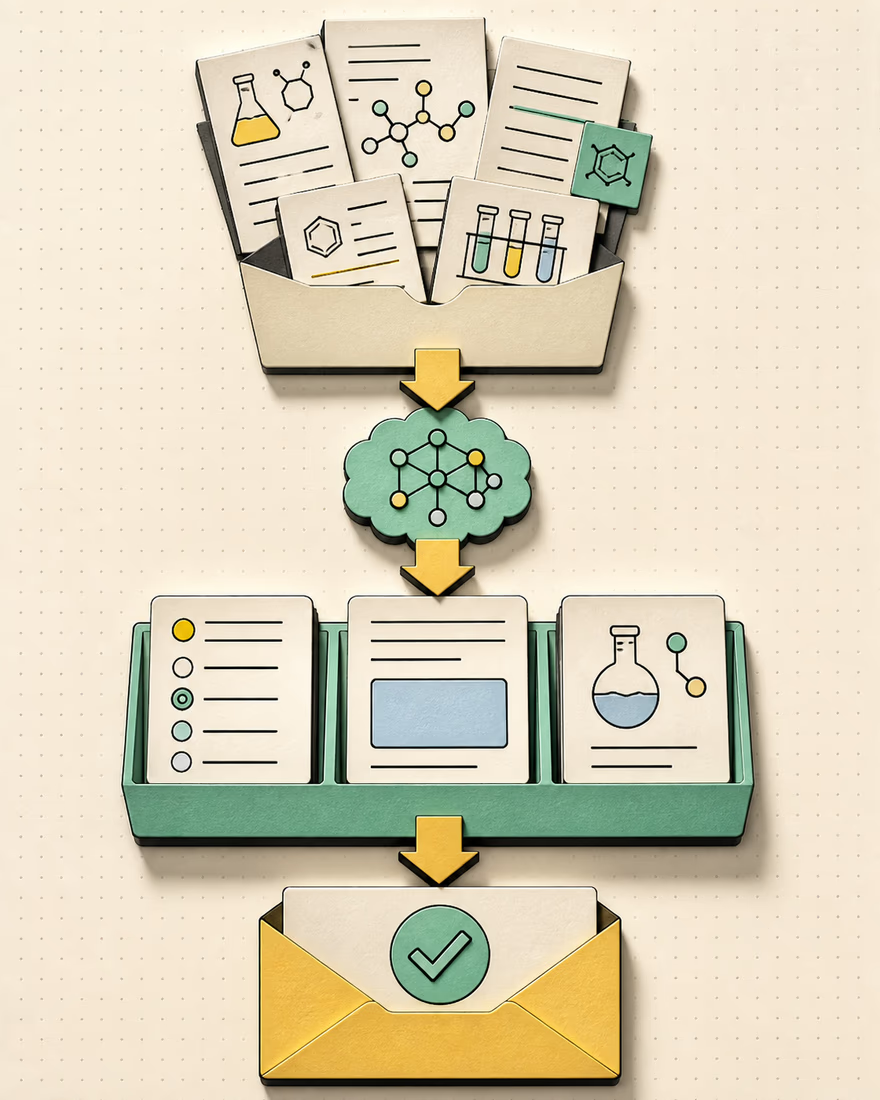
Include answers for review, or hide them for independent practice.
Check facts, wording, distractors, and explanations before sharing the result.
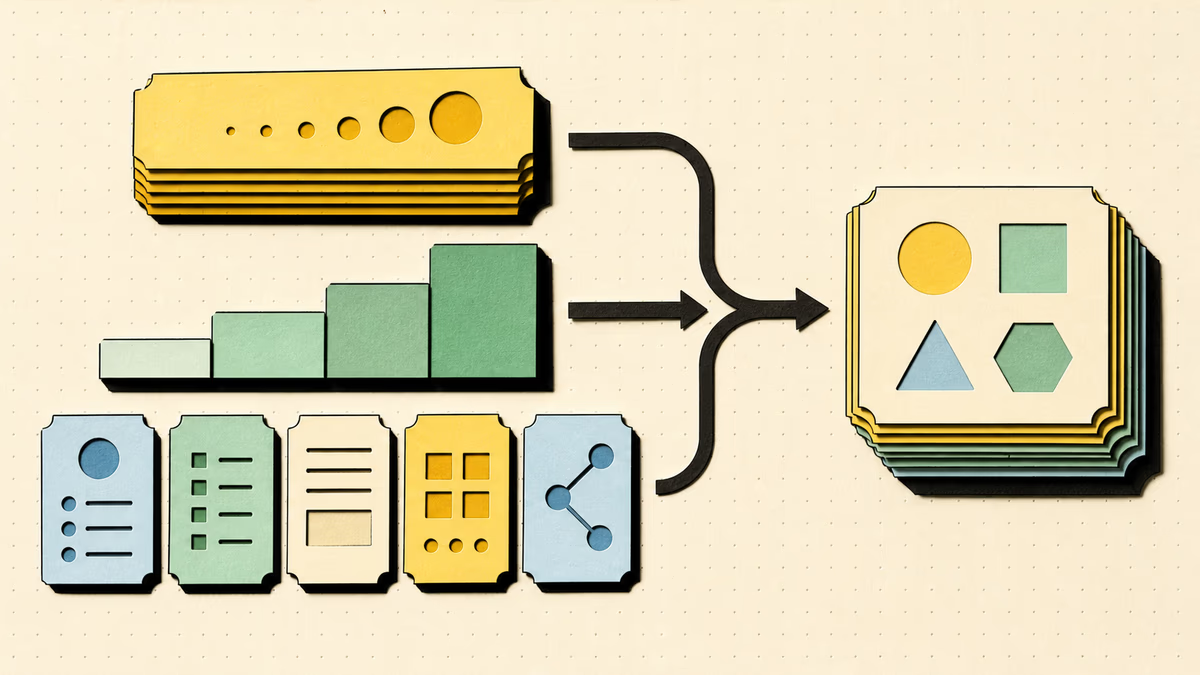
Choose 3 to 30 questions, one or more formats, and the difficulty level. Combine formats when one set needs both quick knowledge checks and written recall.
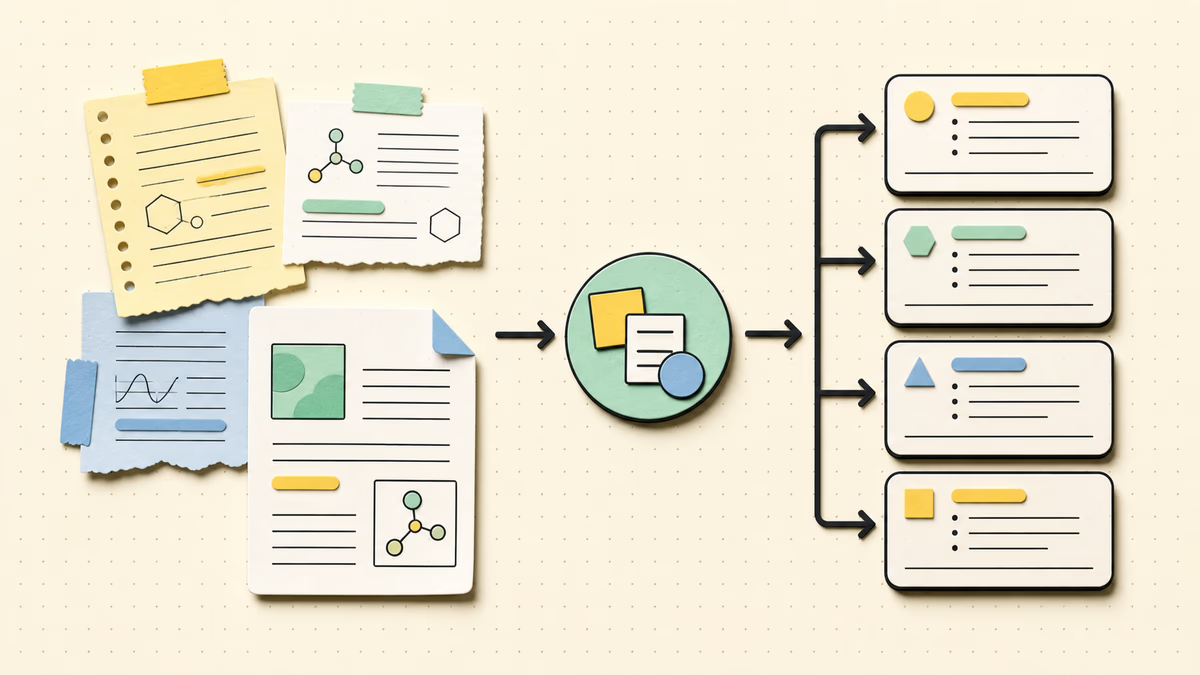
The AI Question Generator can use pasted source material or selectable text extracted in the browser from a readable PDF. PDFs can be up to 10 MB and 50 pages; scanned image-only pages need OCR elsewhere before this tool can use them.
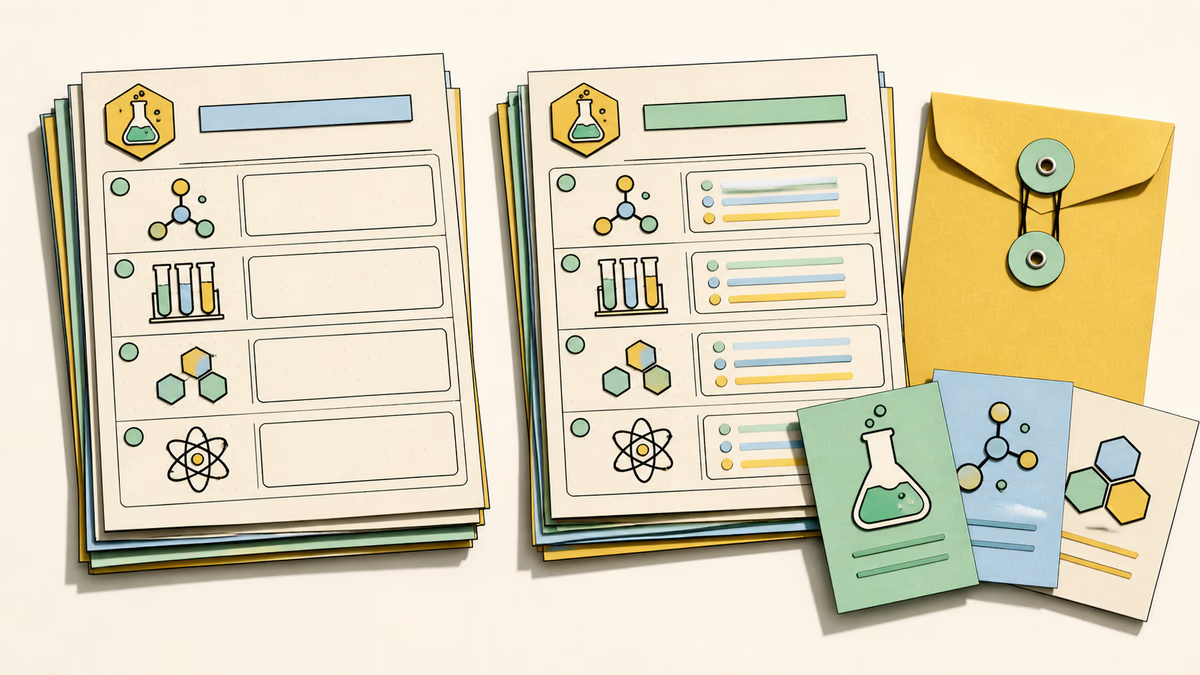
Include answers and explanations when useful, or create a student-facing question set. This makes it easier to prepare a practice version for learners and a separate review key for checking work.
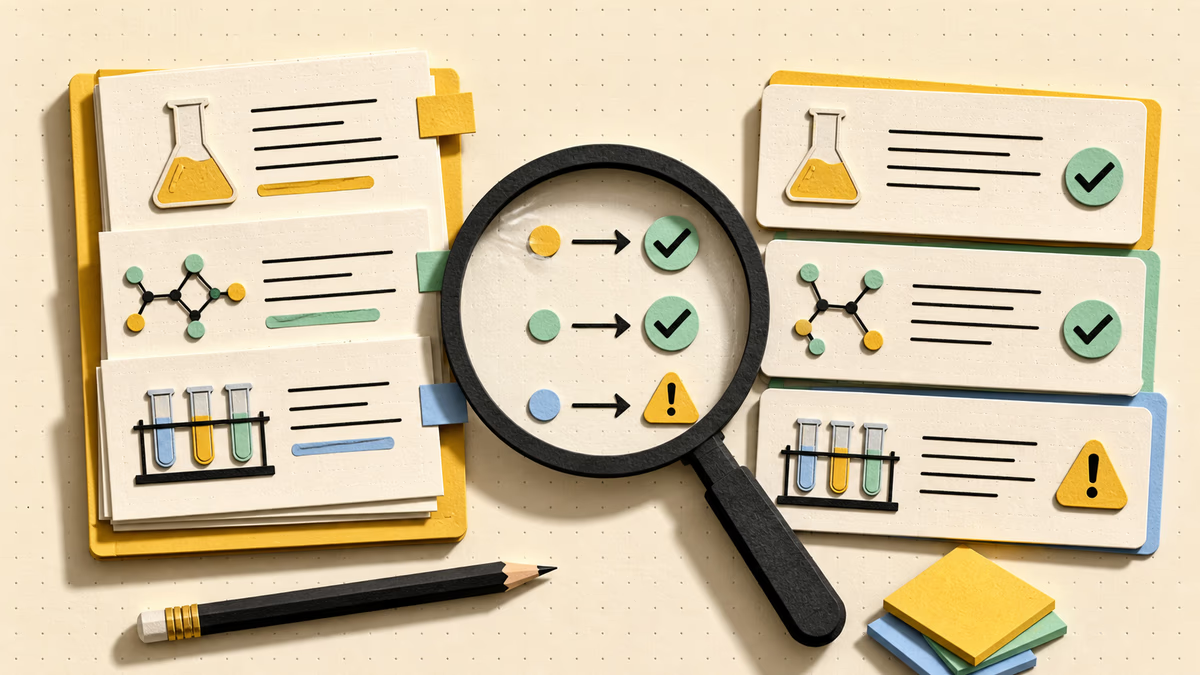
AI-generated questions still need a human check. Compare wording, factual accuracy, difficulty, distractors, answers, and explanations with the original material before you use the bank for graded work or share it with learners.
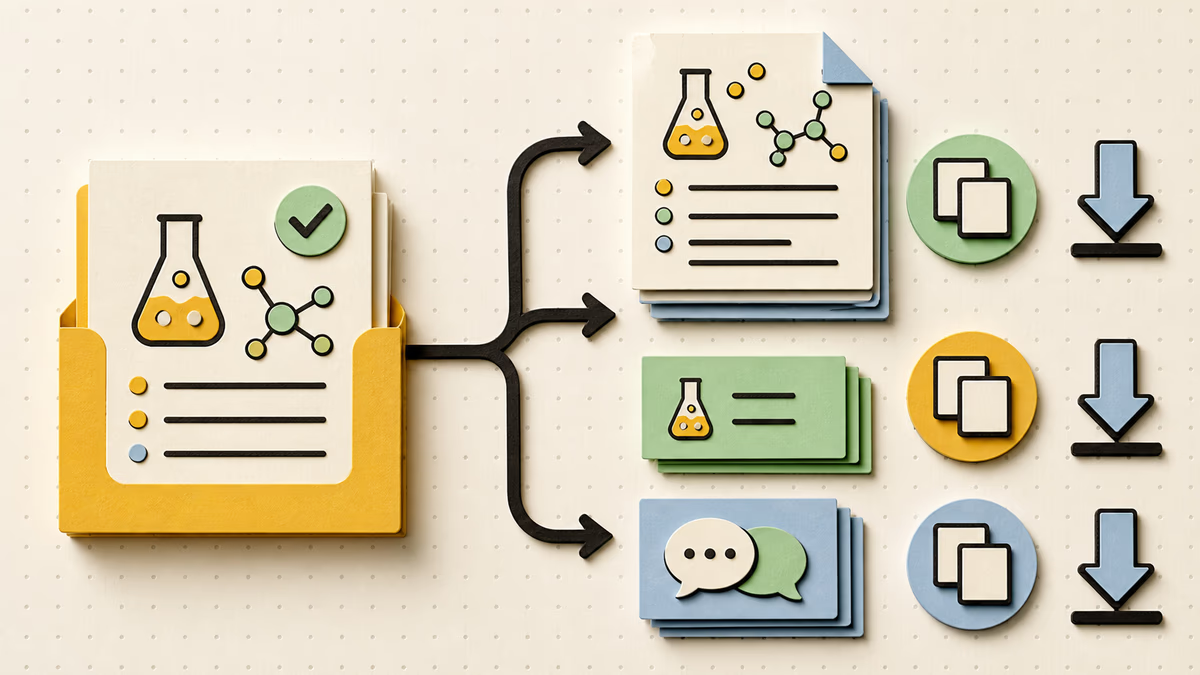
Copy or download an existing question bank for worksheets, discussion prompts, exit tickets, or independent practice. Those local actions use no additional credit. Regenerate only when you want a different provider-created set from the current inputs and settings.
Create questions
Create a mixed question bank, then review the wording and decide whether students should see answers. Use the result as an editable draft for lesson checks, homework prompts, or an exit ticket.
Enter a topic, paste at least 20 characters of source text, or choose a text-based PDF. A clear topic or focus helps the result stay close to the material you actually want to assess.
Choose count, formats, difficulty, and answer-key preference. Use easier settings for recall practice or harder settings when learners should connect and explain ideas.
Review, reveal answers, copy, download, or regenerate the bank. Check the source alignment and wording before sharing or assigning the questions.
Yes. The AI Question Generator extracts selectable text from PDFs in your browser. It does not perform OCR on scanned pages. Files can be up to 10 MB and 50 pages, and the extracted source is limited to the text the browser can read.
Multiple choice, true or false, short answer, and open-ended questions are supported. You can select more than one format in the same generation to balance recognition, recall, and explanation.
Yes. Turn off answers and explanations before generating. You can still review, copy, and download the generated questions after choosing the student-facing option.
Signed-in generation and regeneration cost 1 credit after provider acceptance. Local copy and download actions do not use credits. Revealing an existing answer key also stays local and does not start a new generation.
Use focused, readable material that contains the facts and relationships you want to practice. Include a clear topic when the source is broad, remove unrelated sections, and keep headings or complete sentences where possible. The source can guide the draft, but you should still compare every question and answer with the original material.
Yes. Check each prompt for factual accuracy, clear wording, an appropriate difficulty level, and alignment with the source. For multiple-choice items, inspect whether the distractors are plausible without being misleading. Human review is especially important before graded assessments, formal instruction, or any use where an ambiguous answer could affect a learner.
The AI Question Generator creates a reusable bank that you can review, copy, or download, with answers included or hidden. The AI Quiz Generator creates a quiz that learners can answer on the page, submit for objective scoring, and retake. Choose the question bank for flexible materials and the quiz for an interactive practice session.

Bring a topic, source text, or a readable PDF. Review the result before you use it for study or teaching. The controls stay attached to the source so you can refine the next draft without rebuilding the task from scratch.
Try the AI Question Generator