Connect objectives to the lesson flow
Connect the topic and objectives to one coherent lesson sequence.
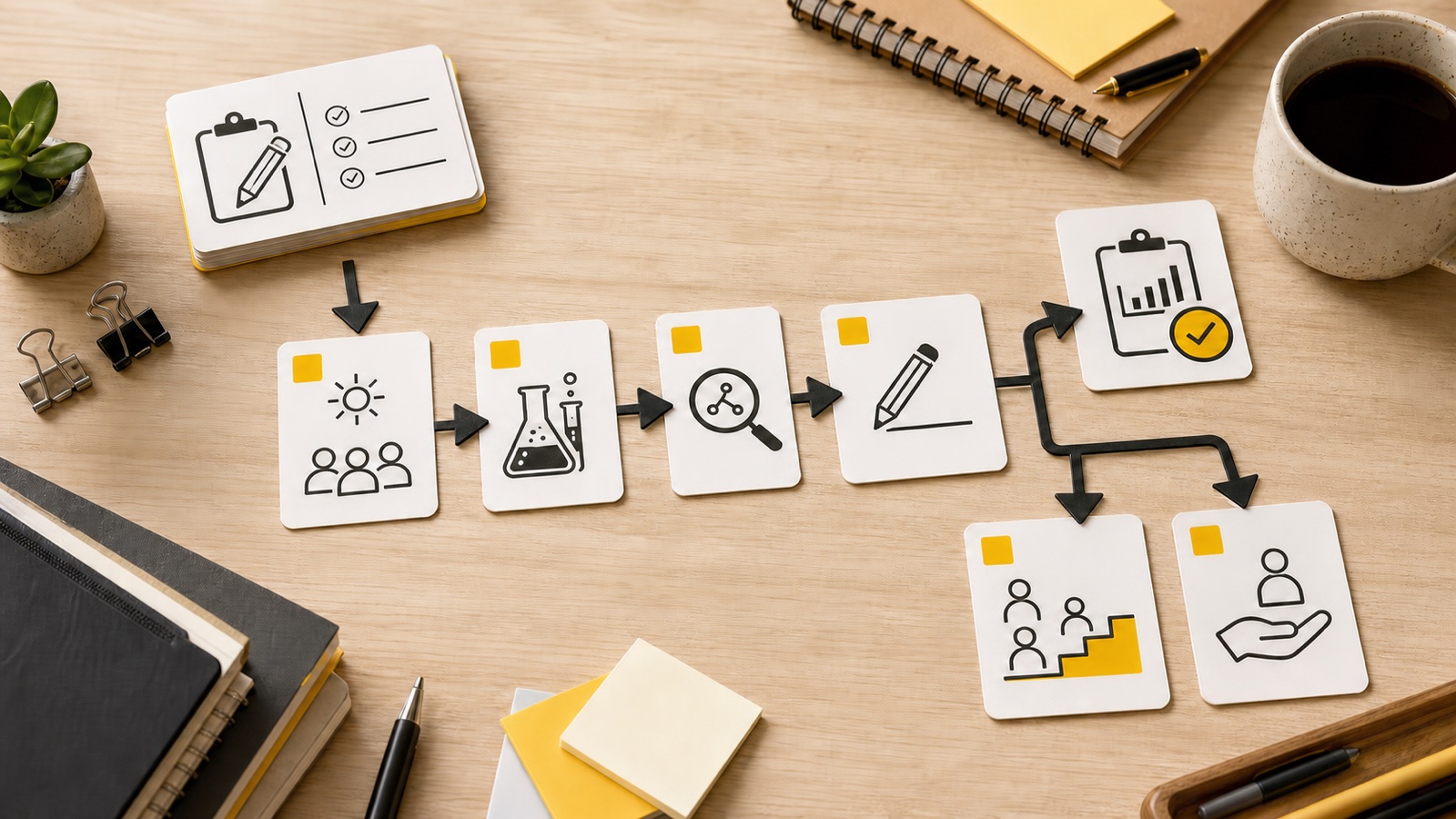
Build a paced plan with objectives, instruction, practice, checks, assessment, differentiation, and extension.
Add your topic, source, or lesson details, choose the settings, then generate a result you can use, copy, or download.
Connect the topic and objectives to one coherent lesson sequence.
Build the timeline around a 15-to-240-minute class period.
Add classroom context, support needs, and available resources.
Keep final instructional decisions with the teacher.
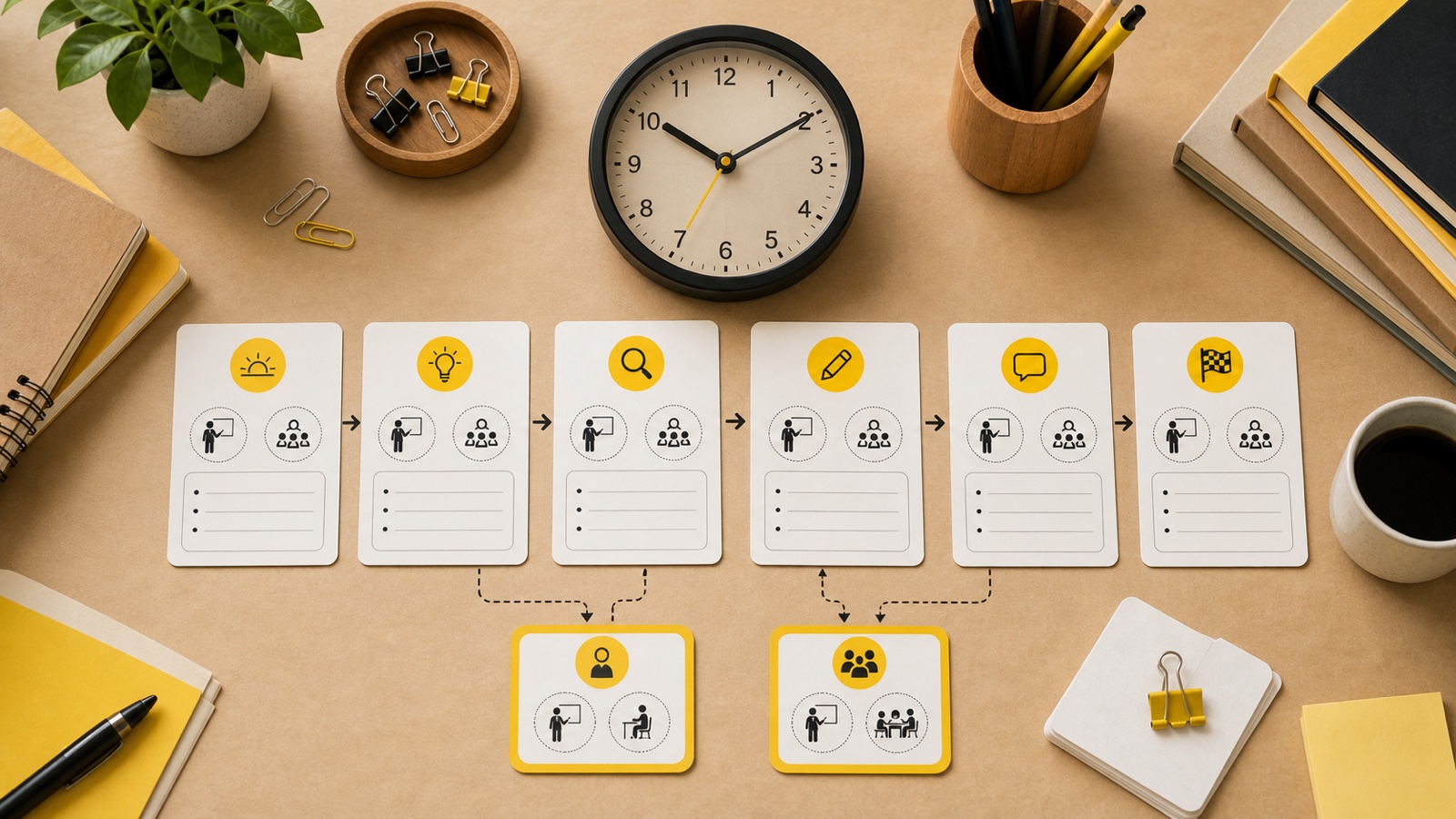
Set 15 to 240 minutes so each activity fits the available class time. The generated timeline is checked so the activity minutes add up to the duration you requested. Use the AI Lesson Plan Generator to create a new paced draft when the available class time changes.
Generate warm-up, direct instruction, guided and independent practice, checks, and assessment. Each stage includes teacher actions, student actions, materials, and a clear purpose within the sequence.
Add objectives, standards, classroom context, differentiation needs, and output language. These details help the AI Lesson Plan Generator draft reflect real constraints instead of assuming every class works the same way.
Describe prior knowledge, support needs, grouping, and available resources. Then adapt the AI Lesson Plan Generator draft to the learners, timetable, accessibility needs, and materials in the room.
Check subject facts, instructions, timing, assessment criteria, accessibility, and every required material. Teacher-supplied standards can shape the lesson plan maker draft, but the tool does not query an external standards database or certify local curriculum compliance.
Draft a lesson planSet the duration and get an ordered timeline whose minutes add up to the class period. Review the transitions and setup time because a mathematically valid timeline still needs to fit real learners. The lesson plan maker provides a starting sequence that you can adjust after that review.
Enter subject, grade level, topic, and duration. Use a specific topic and a duration that matches the actual class period.
Provide objectives, standards, classroom context, and differentiation needs. Name the learning goal and practical constraints when they should shape activities, pacing, or support.
Review the structured plan, copy it, download it, or regenerate a new version. Verify the facts, timing, materials, standards wording, and learner fit before teaching.
Subject, grade level, topic, duration, and output language are required. Objectives, standards, classroom context, and differentiation needs are optional. More specific optional context usually gives the draft a clearer instructional direction.
Yes. The output includes checks for understanding, an assessment, differentiation, and homework or extension. It also includes objectives, materials, a paced timeline, teacher and student actions, and closure or reflection.
Yes. Add a named standard in the dedicated standards field. This version does not verify standards against an external database. Review the wording and local requirements yourself before claiming that the finished lesson satisfies a curriculum framework.
A signed-in generation or regeneration costs 1 credit after provider acceptance. Copying or downloading an existing lesson plan does not use another credit.
A practical lesson plan should connect learning objectives, materials, an opening or warm-up, instruction, guided and independent practice, checks for understanding, assessment, differentiation, and closure or extension. The AI Lesson Plan Generator organizes these parts into a paced draft, but the teacher should confirm that every section supports the intended learning and class context. The AI Lesson Plan Generator keeps these sections in one draft for review.
Yes. Grade level and a 15-to-240-minute duration are required inputs, while objectives, standards, classroom context, and differentiation needs are optional. Change those fields and generate a new draft when the lesson requirements change. Review the new sequence rather than assuming a different setting automatically makes every activity appropriate.
No. You can enter a named standard, and the generated draft can relate that teacher-supplied text to objectives, activities, and assessment. The AI Lesson Plan Generator does not query an external standards database or certify compliance. Confirm the current standard wording, interpretation, and local requirements before describing a lesson as standards-aligned.
Yes. Check factual accuracy, learning progression, timing, instructions, materials, assessment, accessibility, and differentiation against the real classroom. Remove activities that do not fit available resources or learner needs, and adjust examples and pacing. The plan is designed to reduce blank-page work while keeping final instructional decisions with the teacher. A lesson plan maker can reduce blank-page work, but it cannot make the final instructional judgment.

Use the result as a teaching draft. Review facts, timing, standards alignment, activities, and differentiation before classroom use. Adjust the first draft for your learners, materials, schedule, and local requirements before teaching. The lesson plan maker should remain a draft until those checks are complete.
Try the Lesson Plan Generator