Start with a topic, notes, or a PDF
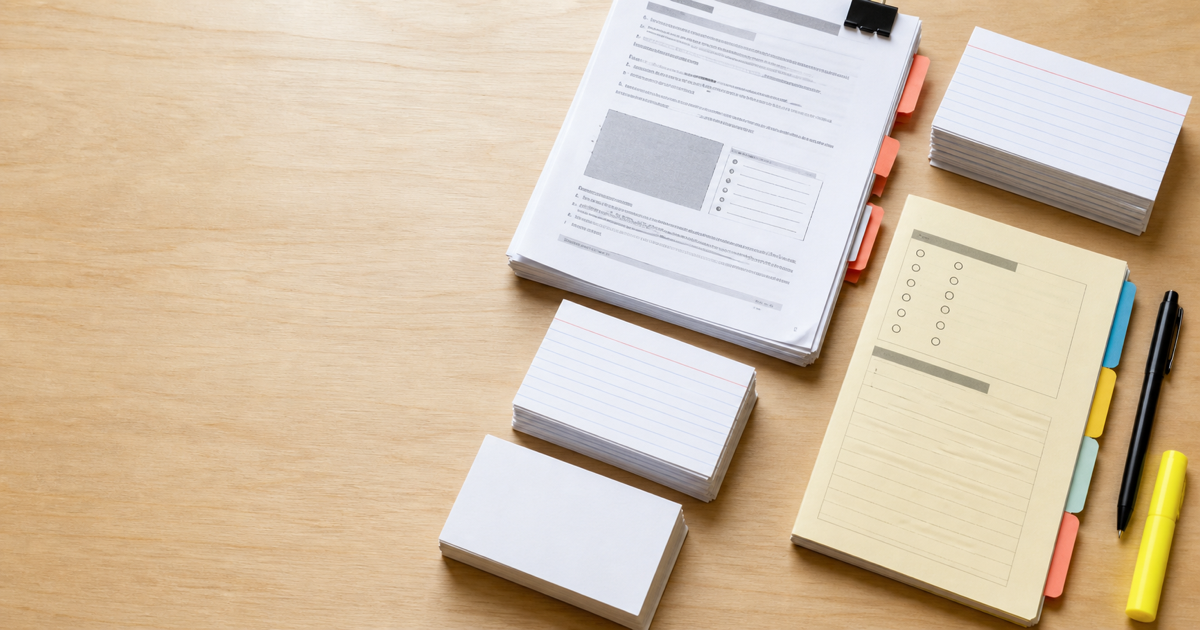
Enter a focused topic, paste the notes you want to review, or choose a PDF with selectable text. The generator uses that source and your study focus to draft one saved set of Front / Back cards.
Make flashcardsTurn a topic, study notes, or a PDF into a focused Front / Back deck you can save, edit, and study online.
You can leave after submission and return when the deck is ready.
Choose a topic, notes, or a text-based PDF, then generate one focused study deck.
Enter a focused topic, paste the notes you want to review, or choose a PDF with selectable text. The generator uses that source and your study focus to draft one saved set of Front / Back cards.
Make flashcards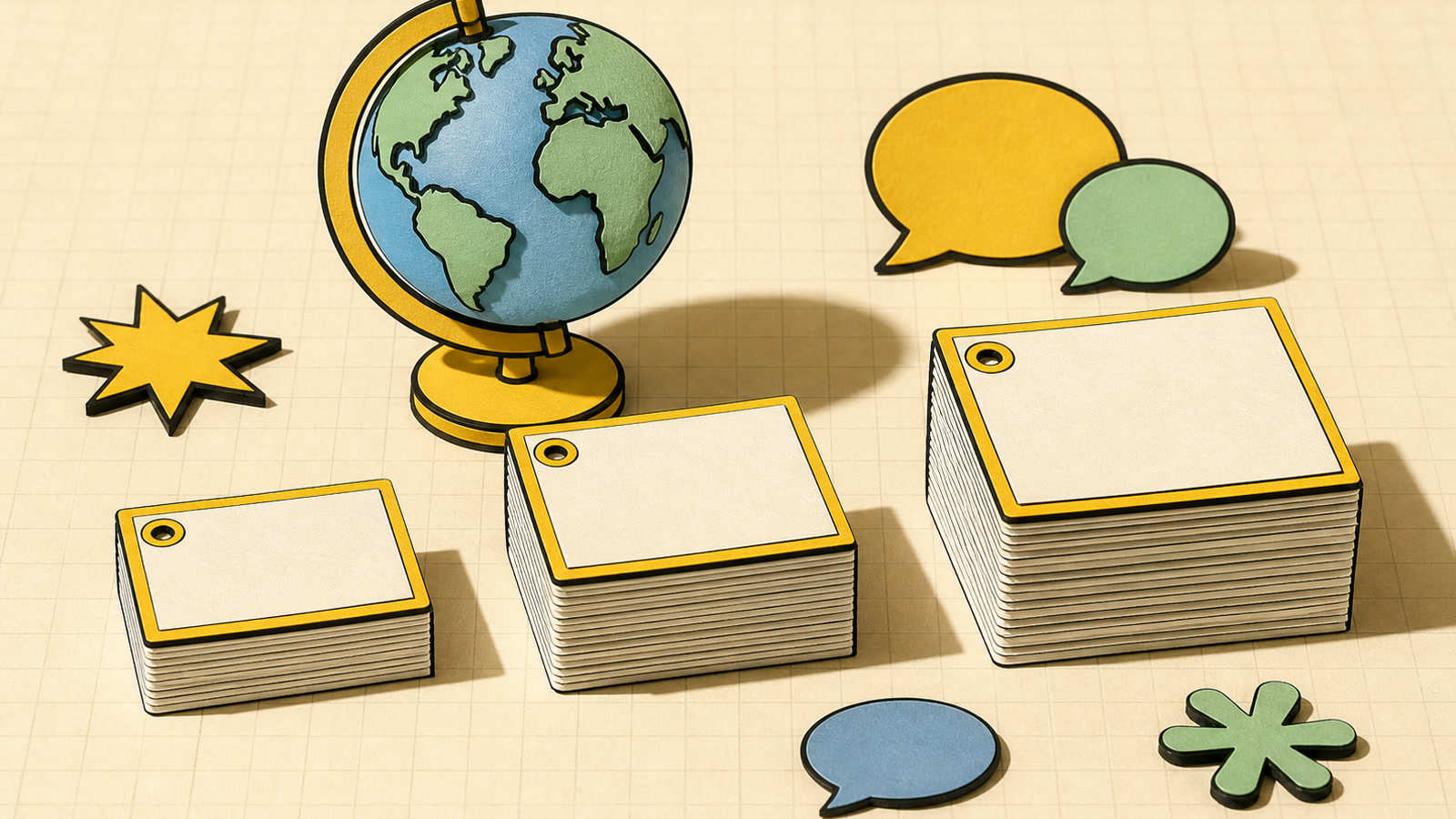
Choose exactly 10 cards for a compact session, 20 for broader coverage, or 30 for a larger deck. Select the output language before generation so the AI flashcard maker writes every prompt and answer in the language you plan to use while studying.
Build a deck
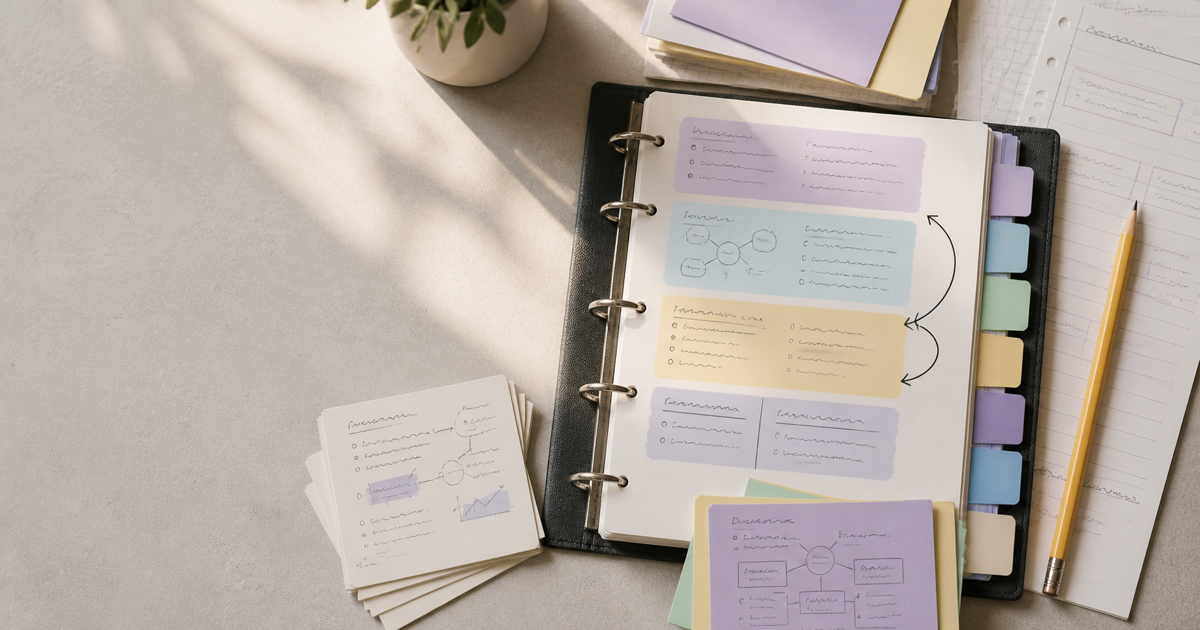
Generation creates a saved deck rather than a temporary text response. Open it from your flashcard library to add a missing card, edit a prompt or answer, delete an unhelpful card, and flip through the deck without spending additional credits.
Create a saved deck
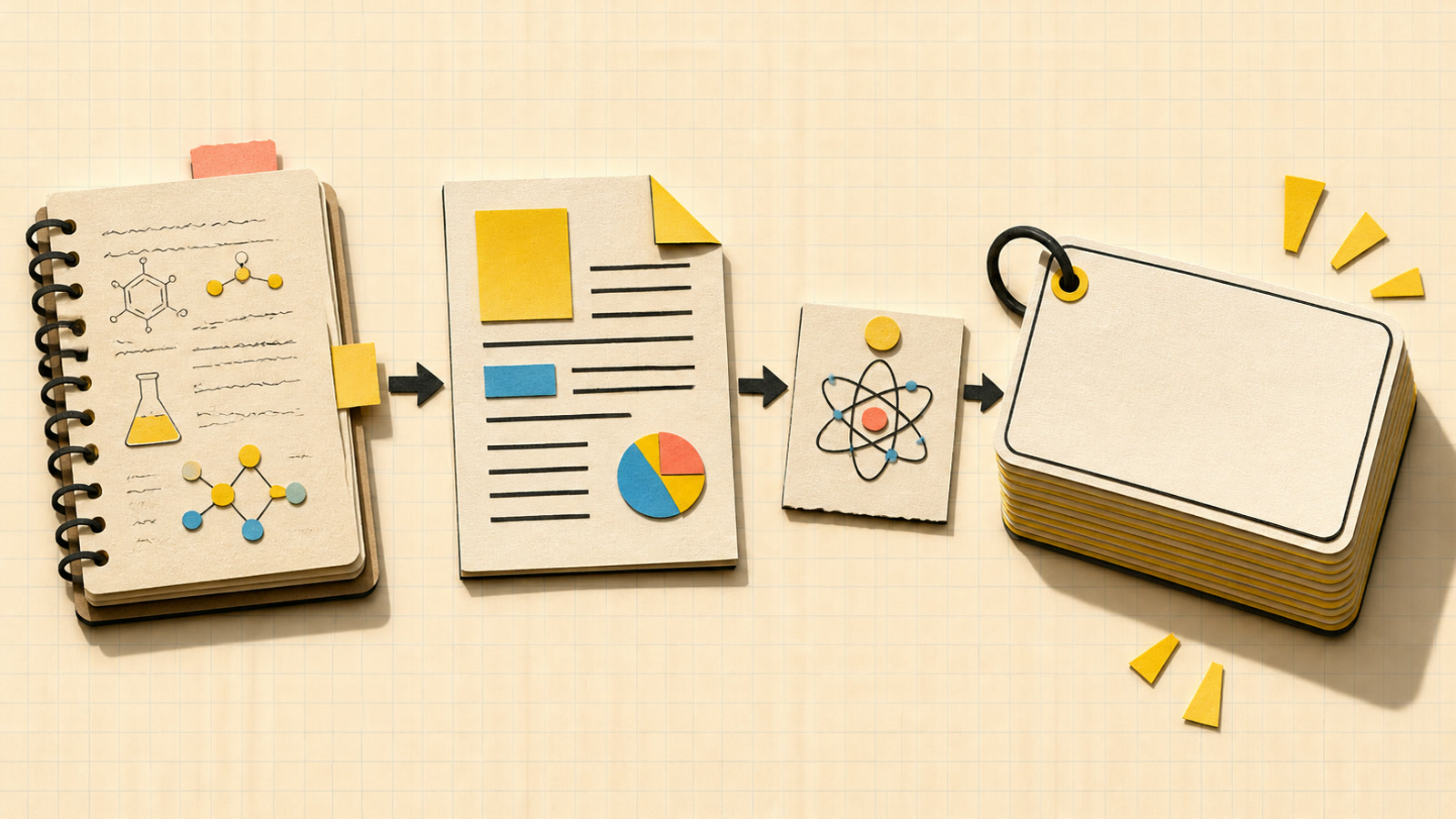
After a lecture or textbook chapter, paste the notes you need to remember. Add a topic to center the deck on an exam objective, reaction family, or definition set. The cards turn source statements into prompts you can answer from memory.
Enter a clear topic, paste the notes you want to cover, or choose a PDF with readable text. Combine a topic with notes or a PDF when you need a more precise study focus.
Select 10, 20, or 30 cards for the amount of material you want to review. Choose the language for the prompts and answers, then check the displayed credit cost.
Sign in with a verified account and generate the deck. The validated result is saved to your flashcard library, where you can edit Front / Back content, add or remove cards, and study by flipping through them.
Yes. New accounts receive 5 permanent signup credits, and a 10-card generation costs 5 credits, so you can create a first deck without paying. A 20-card deck costs 10 credits and a 30-card deck costs 15 credits. The phrase AI flashcard generator free refers to this real starting allowance, not unlimited free generations.
Yes. Enter a topic, paste study notes, or choose a PDF with readable, selectable text. For the PDF to flashcards path, extraction happens in your browser before the text is sent for generation. Add an optional topic when you want the deck to concentrate on one chapter, concept, or exam objective, then select the deck size and output language.
Yes. AI flash card maker, flash card generator, and AI flashcard maker are common ways to describe a tool that turns source material into study prompts and answers. On this page, the result is a saved Basic Front / Back deck that you can open from your library, edit card by card, and study later.
Choose exactly 10, 20, or 30 unique Front / Back cards before you generate. A smaller deck can keep a narrow topic manageable, while the larger options give broader source material more room. The selected size also sets the displayed generation cost of 5, 10, or 15 credits respectively.
Yes. The AI flashcard generator saves the completed deck to your flashcard library. Open it to add a card, revise the Front or Back, delete a card that does not fit, and flip through the deck while studying. These saved deck editing and study actions do not use additional credits.
Choose a PDF that contains readable, selectable text. Image-only scans and documents without extractable text cannot provide source content through this workflow. If extraction fails, paste the relevant text into the notes field instead, then add a topic to tell the generator what the deck should emphasize.

Use the AI flashcard maker with a topic, notes, or PDF, choose your deck size and language, and start making flashcards free.
Try the AI Flashcard Generator